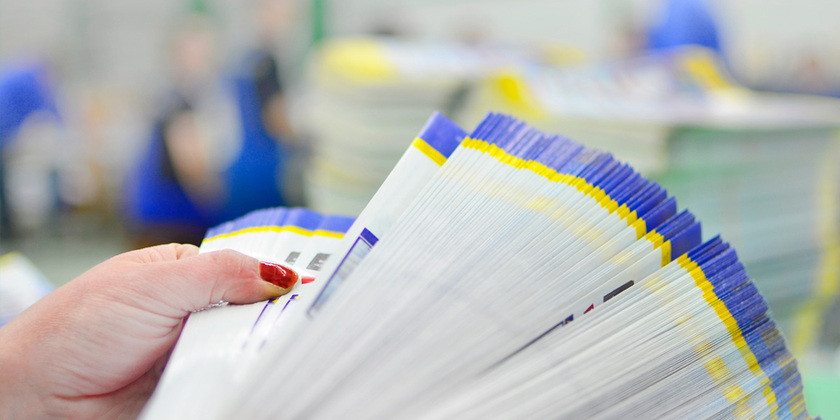
For an office manager without a design background, overseeing a print project can be intimidating. A file that looks sharp and vibrant on a monitor can arrive from the printer with faded colors, a blurry image or a logo cut off at the trim line. Print design follows its own set of technical rules, including several production requirements that differ from digital work, and a little up-front knowledge goes a long way to avoid an expensive do-over.
Here's what you need to know about print design basics before your next print project.
What Is Print Design?
Print design is the practice of creating visual content meant to be printed on physical materials rather than viewed on a screen. From business cards and brochures to banners, postcards and product packaging, print design basics guide how each piece comes together.
Digital design and print design might use some of the same software, but the two disciplines produce very different results. A digital design lives online and can be updated in seconds. Once a printed piece is approved and produced, it is much harder to update than a digital design.
Core Technical Concepts to Know Before You Design
Before you brief a designer or submit a file for print, it helps to understand a few concepts that recur in many print projects. These technical basics affect how a piece looks, whether your file gets accepted without delay and how closely the final product matches what you originally intended.
1. Color Mode
Most standard print projects use cyan, magenta, yellow and black (CMYK), the four ink colors used in process printing. In contrast, digital screens display colors using Red, Green and Blue (RGB), a completely different system built from light rather than ink. This difference matters because colors that look bright and saturated on your monitor in RGB can look muted, darker or noticeably shifted once converted to CMYK for print.
The most reliable fix is to design in CMYK from the very beginning rather than converting your file at the last minute. Starting in CMYK allows a designer to see, correct and refine actual print colors throughout the entire process rather than guessing how a screen-based color will translate. Learning more about color precision in print can help clarify how professionals manage this process from start to finish.
2. Resolution and DPI
Dots per inch (DPI) tells you how densely a printer places ink dots across every inch of a printed piece. Higher DPI can make an image appear sharper and more detailed when printed, especially when the original file is high-quality and sized correctly. For many professional print projects, 300 DPI at the final print size is the recommended standard for sharp, high-quality images.
A common trap is grabbing an image straight from a website or a quick Google search, since many web images are not large enough for high-quality print at the intended size. That works fine on a screen, where far fewer dots are needed for a sharp appearance, but it becomes obvious the moment the same image is printed at full size.
Increasing the resolution after the fact usually won't restore missing detail. Stretching a low-resolution image enlarges the existing pixels instead of adding the information needed for a clean, professional result.
3. Bleed, Trim and Safe Zone
These three related terms come up constantly in print design, and each protects a different part of the finished piece:
- Bleed: Designers add this extra 0.125 inches of space beyond a piece's finished edge to account for slight shifts during cutting. Without it, even a minor variance can leave an unwanted white line along the border.
- Trim: This is where the printed sheet is cut to its final size. A designer treats this line as the true boundary of the piece.
- Safe zone: Sitting 0.125 inches inside the trim line, this margin protects anything critical, like text, logos or contact details, from getting cut off if the trim shifts slightly.
4. File Format and Print-Ready Files
A print-ready file is a document built to the specifications a printer needs to reduce the risk of back-and-forth corrections. When it comes to file format, PDFs are the industry standard for print because, when exported correctly, they preserve layout, color settings and fonts more reliably across systems.
A few other requirements also show up on nearly every project. Fonts should be embedded in the file or converted to outlines, so they display correctly even if the printer doesn't have that exact font installed. Similarly, images need to be included at full resolution rather than linked separately, since a missing or low-resolution image can hold up an entire job.
One of the simplest ways to avoid file rejection and production delays is to know how to create a print-ready PDF and to request one from a designer before submitting a file.
Why You Should Work With a Professional Print Design Partner
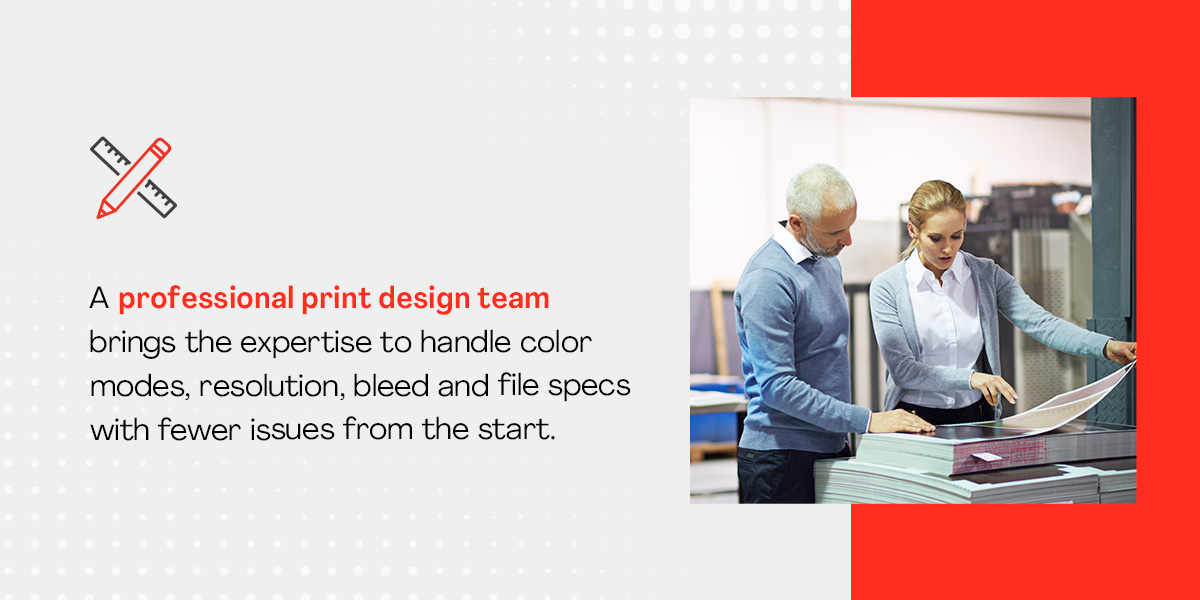
Getting every technical detail right on a print project takes time that office managers may not have, and the cost of a mistake can be steep. A professional print design team brings the expertise to handle color modes, resolution, bleed and file specs with fewer issues from the start. This gives a business confidence in the final product and one less thing to worry about. Here's why you should work with a professional:
- Expertise: A dedicated design team understands the technical rules covered here, helping catch potential problems before a file ever reaches the printer.
- Faster turnaround: Established workflows and print-ready processes help a project move from concept to finished piece without the back-and-forth delays caused by technical errors.
- Brand-quality results: Consistent color, quality materials and thoughtful design work together so every printed piece reflects positively on a business.
- Built-in proofing and quality assurance: A proof review built into the process catches errors before a full print run begins, protecting both budget and deadlines.
Work With Loffler Companies on Your Next Print Project
Print design comes with a lot of moving pieces, and getting them right takes more than good instincts. Loffler gives businesses a partner who helps manage that complexity from concept to final proof, reducing the risk of miscommunication between your vision and the finished piece.
From logos and brochures to business cards, flyers, posters, banners, postcards and newsletters, Loffler's custom print design work is backed by prepress checks, professional production printing and wide format capabilities. That can mean fewer surprises, a lower risk of reprints and more confidence in every project that goes out the door.
Ready to see what a dedicated print team can do for your next project? Connect with the Loffler team to get started.